Inventory Issue Form Excel Template for Stock & Reorder Tracking
Inventory Issue Form Excel Template for Stock & Reorder Tracking
Keep item details, stock counts and reorder information together with the Inventory Issue Form Excel Template. This structured spreadsheet helps small businesses, stockrooms and inventory teams organize routine stock reviews in one place.
Use 49 preformatted item rows and 15 columns to record item numbers, names, vendors, stock locations, descriptions and last-order dates. Compare on-hand quantities with actual item counts, record reorder levels and quantities, and mark discontinued items.
Features included:
- Item information fields for consistent stock records.
- On-hand quantity and actual item count fields for stock checks.
- Built-in formulas for inventory discrepancies, discrepancy flags and reorder flags.
- Reorder planning fields for levels, days per reorder and quantities.
- A discontinued-item dropdown and color-coded review cues.
- A filterable inventory table and configured landscape print layout.
How to use:
1. Open the .xlsx workbook in Microsoft Excel.
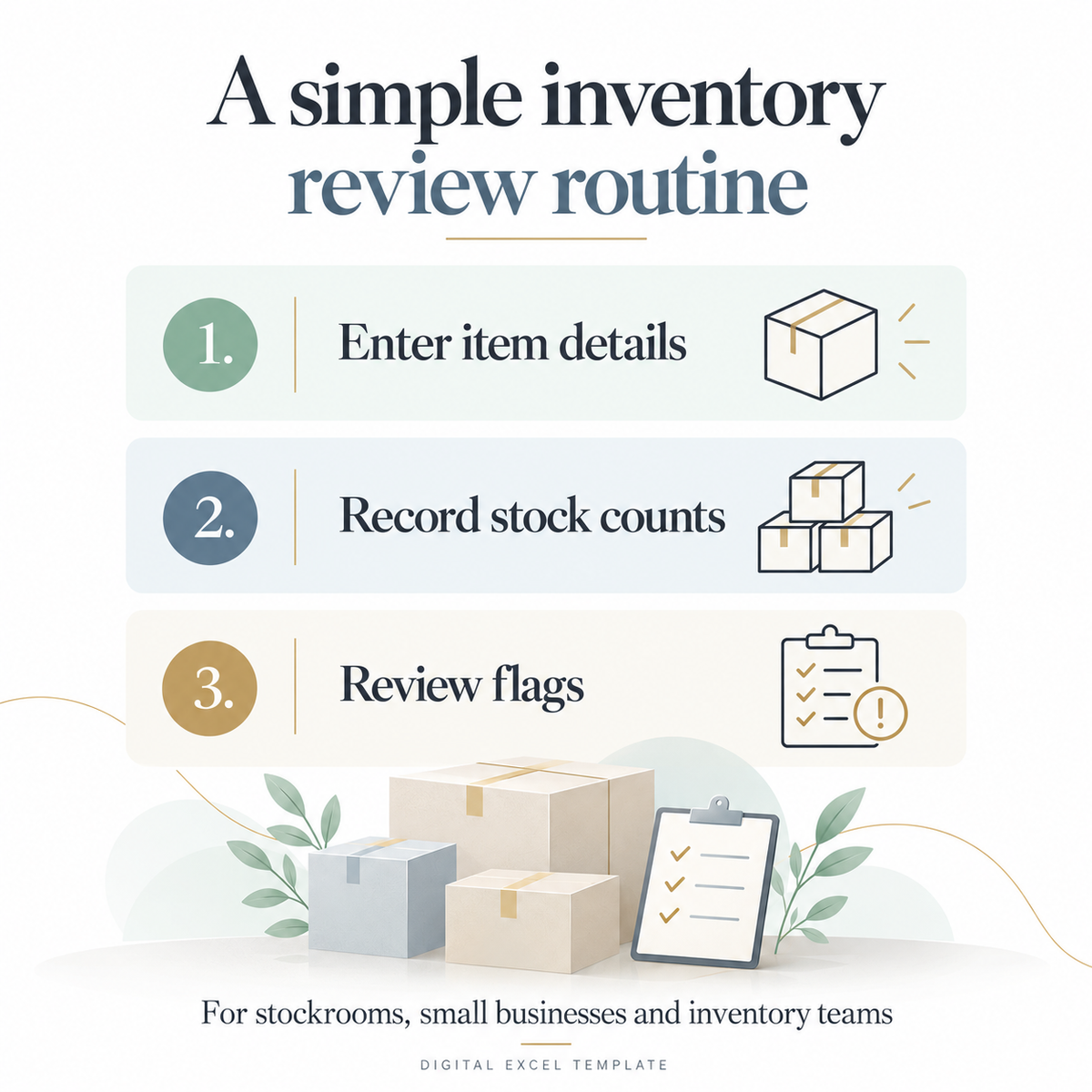
2. Enter item details, stock quantities and reorder thresholds.
3. Review discrepancies and reorder flags, then update your inventory records.
Includes one Excel workbook with an inventory form worksheet and a disclaimer worksheet. Digital product only. Gallery examples illustrate the workflow; the supplied template starts with blank item-entry rows. Microsoft Excel is required to use the Excel workbook. This form supports inventory review and reorder planning; it does not include a stock-issuance transaction log.
Product features
Product features
Materials and care
Materials and care
Merchandising tips
Merchandising tips
Share